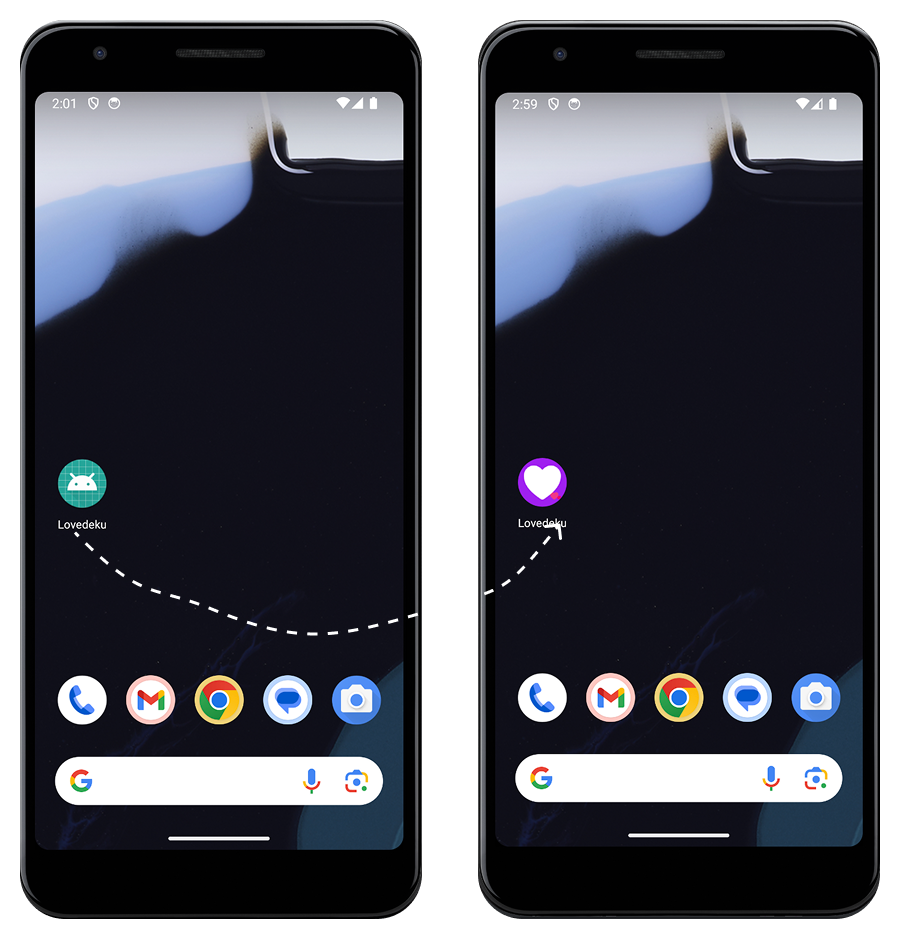
Open the ios folder in Xcode. Wait until indexing is completed.
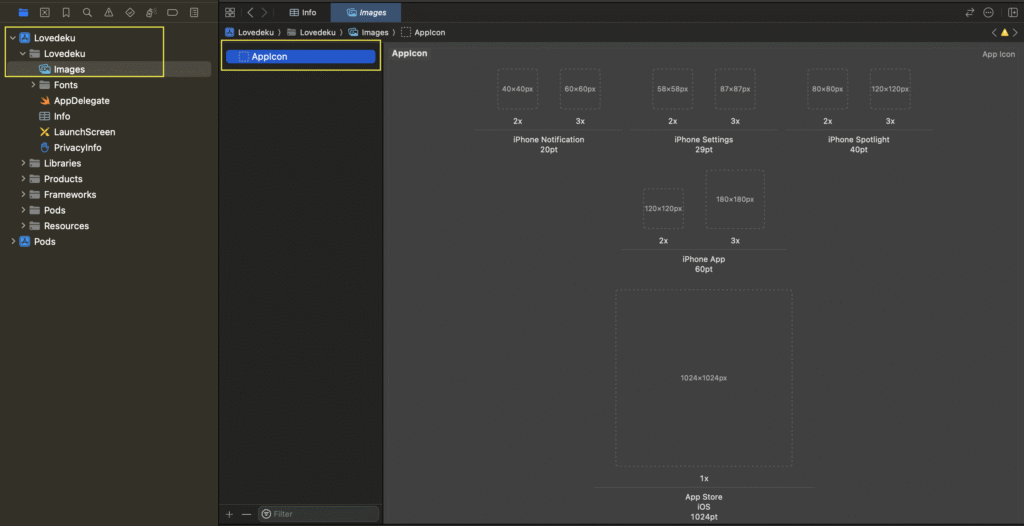
Click on Lovedeku > Lovedeku > Images > AppIcon. You will see the interface as below:
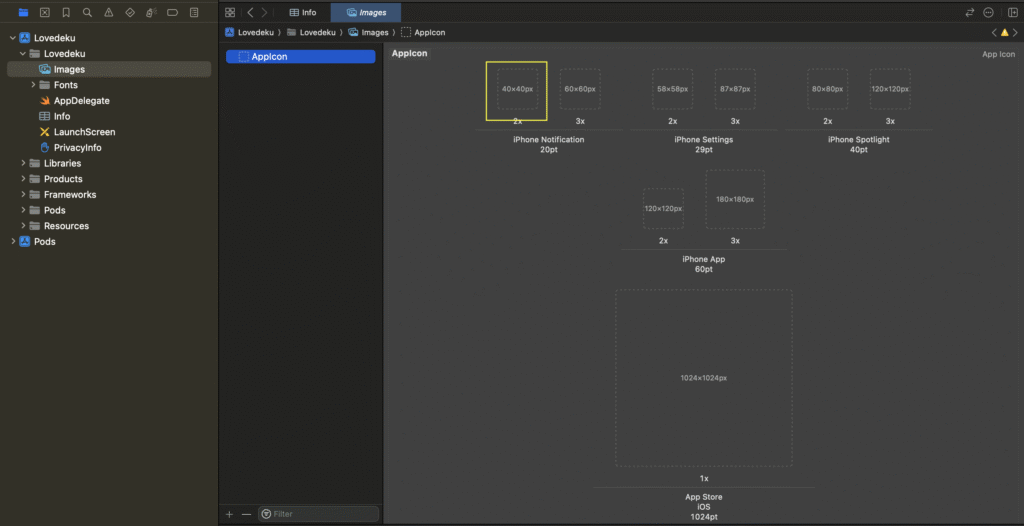
Upload images as per the resolution in each box.
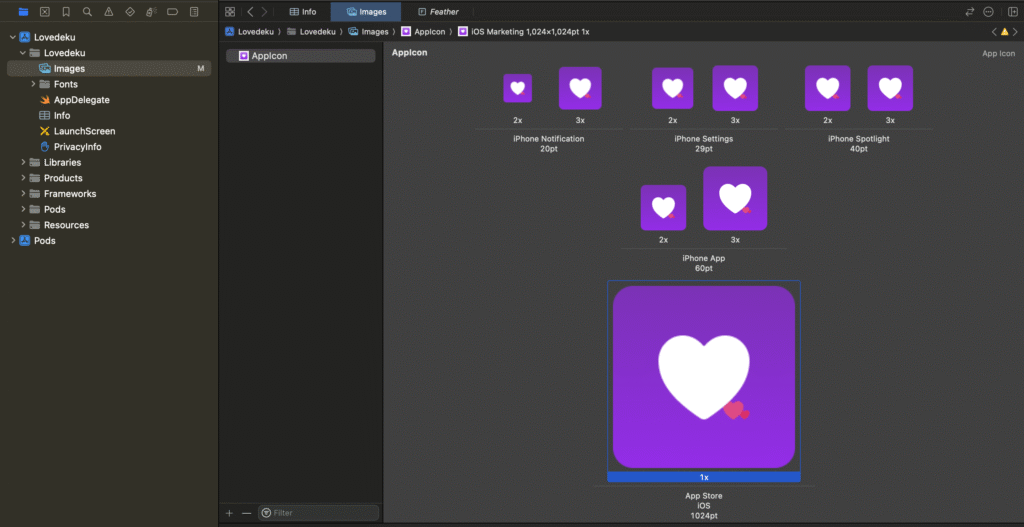
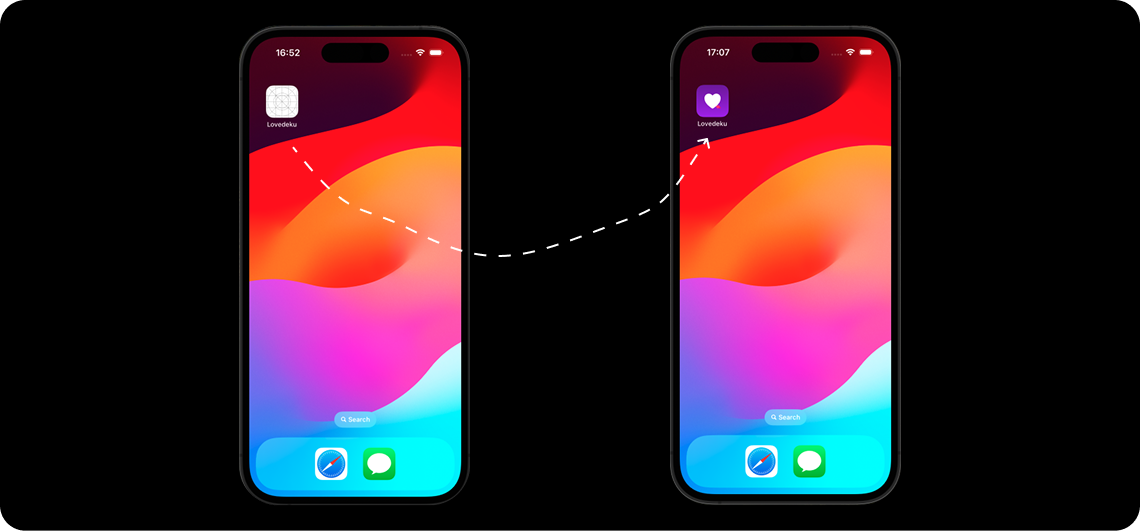
After uploading all the images, run the app again.
Open the ios folder in Xcode. Wait until indexing is completed.
Click on Lovedeku > Lovedeku > Images > AppIcon. You will see the interface as below:
Upload images as per the resolution in each box.
After uploading all the images, run the app again.