
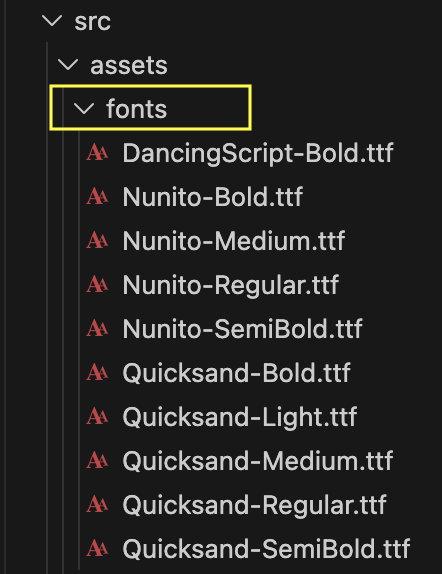
First of all, download the font families of your choice from the internet. Unzip it if a zipped file is downloaded. Now, copy all the TTF files you want to use and paste them inside the src > assets > fonts folder of your project.
Create react-native-config.js file in the root directory if not already present. Paste the following code inside react-native-config.js file.
module.exports = {
  project: {
    ios: {},
    android: {},
  },
  assets: ['./src/assets/fonts'],
};
Modify the assets path as per your font directory.
Now, run the following command in the terminal to link the fonts to the project.
npx react-native-assetNow you can use the font family inside the app.
Example:
  const styles = StyleSheet.create({
    container: {
        fontSize: 12,
        fontFamily: 'DancingScript-Bold',
        color: '#000000',
  });